
Businesses and individual users often need to preserve important Yahoo Mail conversations in a format that is easy to access, organize, share, and review. Saving emails individually through a browser can become time-consuming when handling large mailboxes, while basic print-to-PDF methods may not retain all the information required for structured email records.
To address these requirements, SysInfo Tools highlights its SysInfo Yahoo to PDF Converter, a software solution designed to export Yahoo Mail messages into PDF documents with flexible output options, email header preservation, attachment handling, and selective conversion controls.
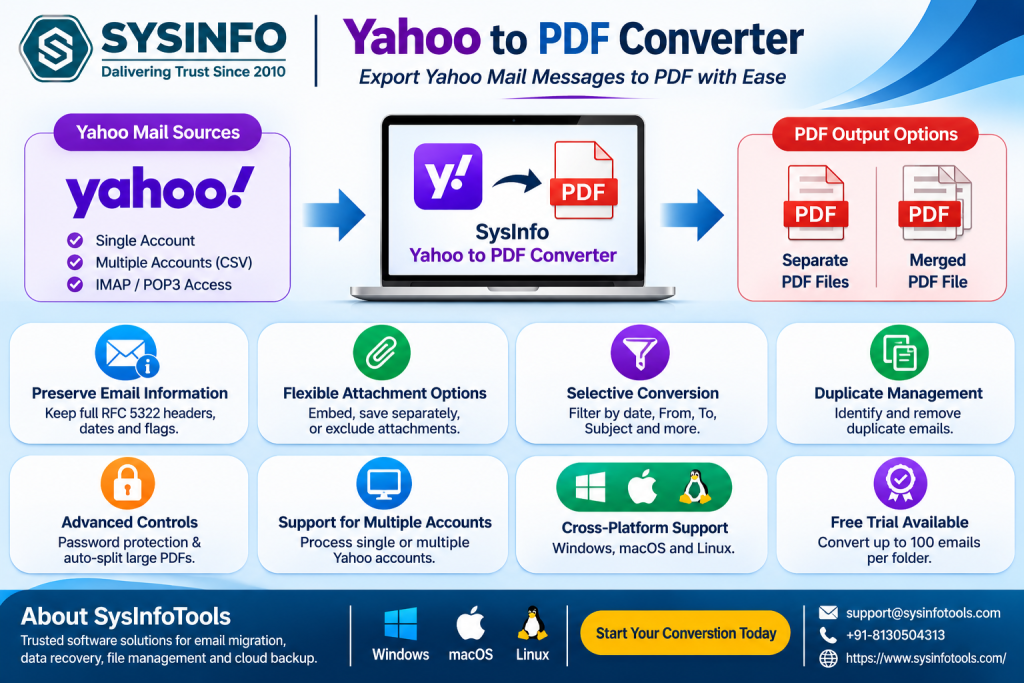
The software provides two PDF output modes to accommodate different documentation requirements. Users can create a separate PDF for each email or combine messages from a selected Yahoo Mail folder into a single paginated PDF document. Individual PDF files can follow customizable naming conventions based on details such as subject, date, and sender. The merged option helps consolidate multiple messages into a single document for convenient review and record management.
Preserving Email Information During PDF Conversion
Email metadata can be important when reviewing business correspondence, customer communication, or archived discussions. The software supports the preservation of full RFC 5322 email headers in PDF output. It also retains supported message information, including dates, sender details, read status, and flags.
These capabilities help users maintain more context around exported messages instead of relying solely on the visible email body. The output can be useful for internal documentation, compliance-related reviews, correspondence management, and long-term reference.
Flexible Attachment Management
Attachments often contain important information associated with an email conversation. The converter provides options to embed attachments within the corresponding PDF, save them separately, or exclude them from the conversion process.
For merged PDF output, users can also include attachments as part of the consolidated document. These options allow users to configure the exported records according to their documentation and storage requirements.
Selective Conversion and Email Filtering
Converting an entire mailbox is not always necessary. Users may need messages from a particular period, selected folders, or specific correspondents. The software provides filtering options to narrow the conversion scope.
Users can apply date-range filters and select emails using criteria such as From, To, Subject, CC, and BCC. Duplicate emails can be identified using fields including sender, recipient, subject, and message body. Additional options allow users to exclude deleted emails and empty folders from the output.
The Skip Previously Migrated feature also helps users continue a conversion process without processing previously exported messages again. Activity monitoring and reports provide information about the conversion process for subsequent review.
Designed for Different Mailbox Requirements
The software supports individual and batch account login, allowing users to process a single Yahoo account or multiple accounts through CSV import. Account access is established through IMAP or POP3 authentication. Users with two-factor authentication enabled can use a Yahoo app password where required.
The application also offers password protection for merged PDF output and an automatic split option when a consolidated document exceeds the configured size threshold. These controls can help users organize larger email collections into manageable documents.
Compatibility and Trial Availability
SysInfo Yahoo to PDF Converter is available for Windows, macOS, and Linux environments. Its trial edition allows users to evaluate the software and convert up to 100 emails per folder before purchasing a full license.
The solution is intended for users who need more control over Yahoo mailbox exports than a basic browser-based print function provides. Its combination of separate and merged PDF output, header preservation, attachment settings, and selective filters supports different email documentation workflows.
About SysInfoTools:
SysInfoTools develops software solutions for email migration, data recovery, file management, database recovery, and cloud backup. Since 2010, the company has focused on developing utilities for individuals, IT professionals, and organizations managing email and digital data across different platforms.